Second Unit
An agentic film crew, from brief to final cut.
Plan shots, review takes, assemble the edit, and carry what worked into the next film. You approve the creative decisions along the way.
Plan the scene.
Review the take.
Remember the correction.
Made with Second Unit.
Two complete films, followed by the production decisions behind them.
Lawn Wars, pt. 1
1:06 · Generation audio · no musicTwo suburban dads turn a 7 a.m. lawn-mowing dispute into a race. A 69-shot comedy built with staged coverage, a versioned edit and a reviewed grade.
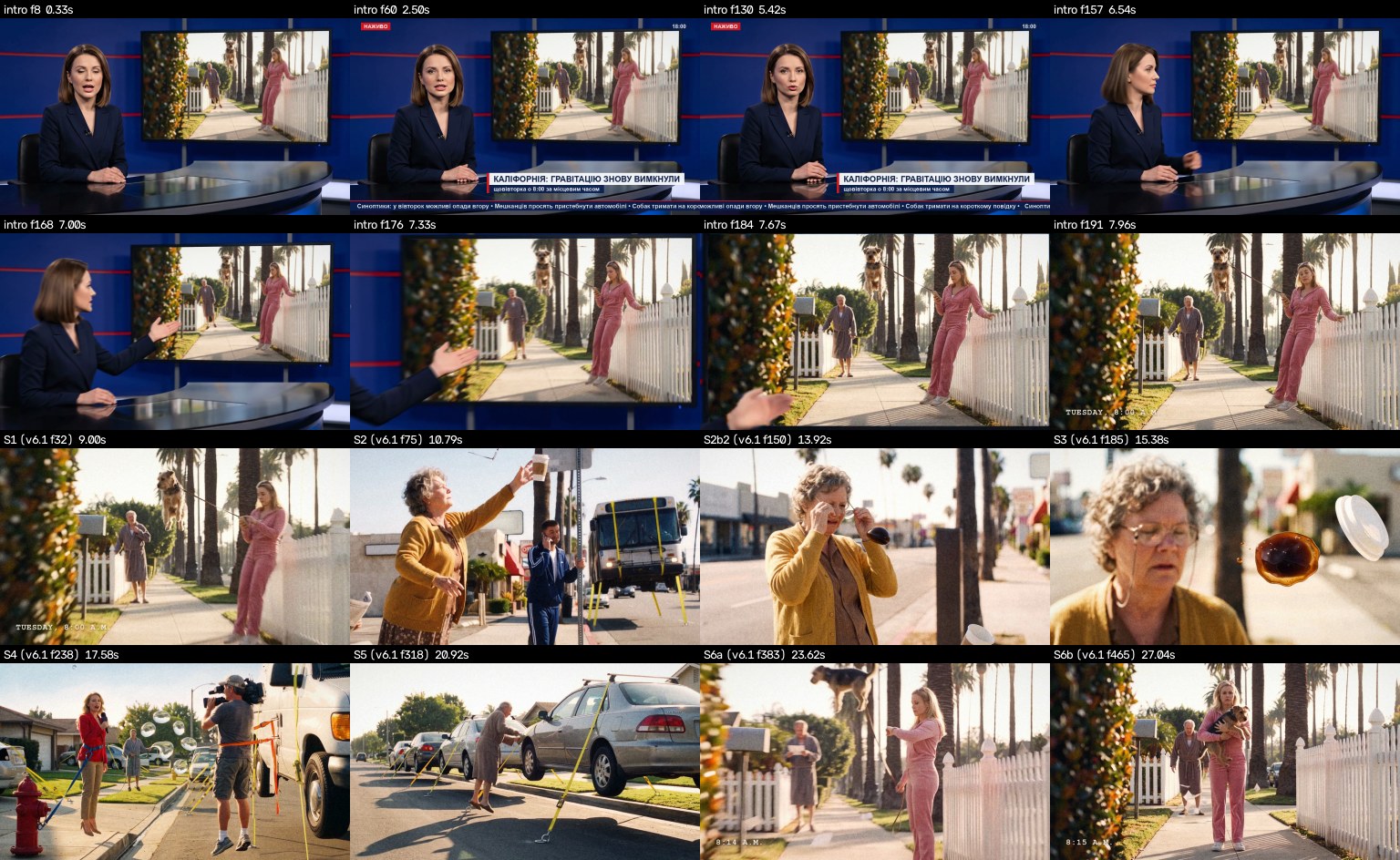
Gravity turns off on Tuesdays
0:28 · Silent versionA deadpan comedy built around one world rule. The parody news intro uses a fictional presenter to announce that gravity has been switched off in California.
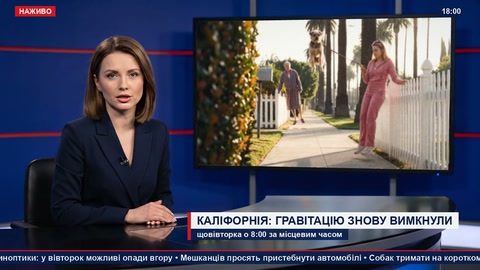
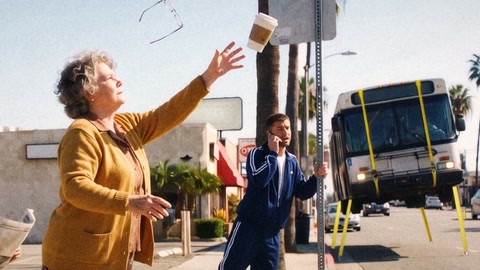
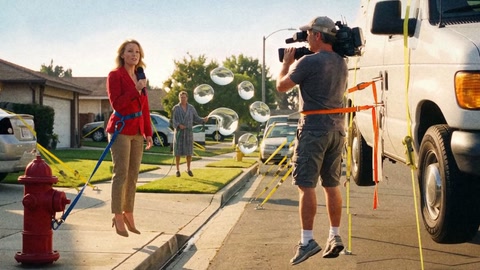
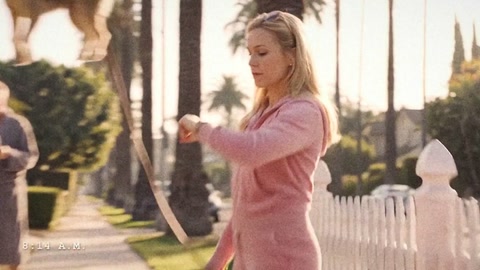
Inspect the shot sheet
Built for the hard problems
I’m preparing for the Studio Babelsberg track because its focus on physical contact, stable backgrounds and character continuity matches the checks I use to review shots.
Floating actors
Review check
Check where feet meet the support surface and whether the contact shadow holds through the motion.
From production
A mascot take was rejected because its feet never met the tabletop, even though the movement looked plausible.
Read the physical-contact breakdownStuttering backgrounds
Review check
Anchor each location to the shot’s camera position and tilt. Review vertical lines and fixed landmarks through the take.
From production
A loft reference taken straight on made a tilted shot look wrong. The next pass used a location reference from the same angle as the shot.
Characters that change between shots
Review check
Build each shot from the same read-only character master. Review defining traits against the character canon.
From production
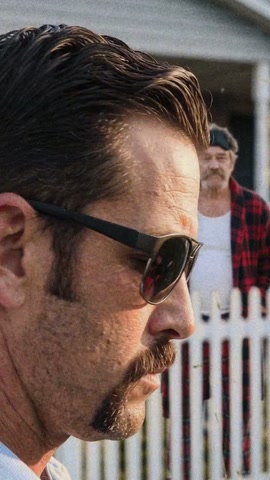
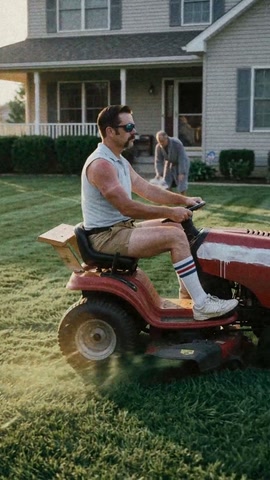
In Lawn Wars, look for the rider’s moustache and sunglasses in a close-up and a wider shot.
Physical contact, before and after
- Before · First take
- The mascot’s feet hang in the air above the table.
- After · Revised take
- Both feet rest on the tabletop and cast a contact shadow.
From brief to delivery.
Character masters, scene maps, review checklists and edit scripts give each generation a place in the film. Explore what each stage uses and leaves behind.
Give the film a direction.
Start with the brief, budget and acceptance criteria. Analyse references for composition, light, colour and rhythm, then turn those observations into a story and a shot plan.
- Starts with
- Brief, constraints, budget
- Leaves behind
- Measured refboard and story beats
- Review
- Does each shot have a purpose, a clear action and a place in the story?
- Your decision
- Approve the direction and story.
Keep a shared picture of the scene.
Approve character and location masters. Record the features that must remain consistent, the action axis, light direction and prop states. Each new shot starts from its master.
- Starts with
- Approved story and references
- Leaves behind
- Character masters, canon and scene map
- Review
- Character features, screen direction, light and prop scale stay consistent.
- Your decision
- Approve the masters and keyframes.
Explore in drafts. Keep the accepted take.
Build keyframes with a declared camera, subject, action and change over time. Explore motion in inexpensive drafts. Keep accepted takes as source files for the final edit and upscale.
- Starts with
- Approved keyframe and job specification
- Leaves behind
- Motion drafts and contact sheets
- Review
- Inspect the usable window, physical contact, faces, hands and movement.
- Your decision
- Choose the take that belongs in the cut.
Judge the shot inside the film.
Inspect contact sheets and details, then watch shots inside the cut. Separate reviewer agents check framing and physical contact, continuity and motivation, and colour across the sequence.
- Starts with
- Draft takes, scene map and director’s notes
- Leaves behind
- Timecoded findings and a revised cut
- Review
- A plausible frame can still fail in motion or at the next cut.
- Your decision
- Accept, redirect or request another pass.
Finish the version you approved.
Assemble the edit with versioned scripts. Match colour outliers, apply the look, and add grain at delivery size. Check the exported file and keep a no-music version where required.
- Starts with
- Approved cut and accepted source takes
- Leaves behind
- Delivery master and rebuild records
- Review
- Review the whole sequence, export metadata and delivery format.
- Your decision
- Sign off on the cut, look and delivery.
Make the next film start with more context.
Record rejected takes, the reason, the proposed fix and whether it worked. Accepted references and A/B preferences become material for the next review. Proven fixes move into the shared rules.
- Starts with
- Failures, accepted shots and A/B preferences
- Leaves behind
- Relevant fixes, review rules and regression references
- Review
- A correction keeps its outcome and the feedback that caused it.
- Your decision
- Set the taste through concrete verdicts.
Review is part of the workflow.
Separate reviewer agents inspect the work. The director approves the keyframes and the cut before accepted takes move to delivery.
CinematographyDP / takesDoes the frame hold up?
Perspective, light, depth, character features, contact with the ground, hands and prop scale. A shot can be rejected, returned for another take, or passed to the director.
EditingEDDoes one shot lead to the next?
What motivates an action, what causes the next event, and whether continuity survives the cut. The director’s notes are tracked against timecodes.
ColourCODoes the sequence belong together?
Match before applying the look. Inspect skin and the full sequence as well as individual cuts. Numeric comparisons support the review; the director decides whether the film looks right.
The models are not fine-tuned on the reference library. Craft knowledge is recorded as rules, checklists and measured observations used around the models.
The colour check passed.
The director sent it back.
A correction from Lawn Wars, a comedy about two suburban dads racing ride-on mowers at 7 a.m.
The r6 cut met the local colour-difference targets, yet the sequence drifted between warm and cool shots. A second pass pulled the whole cut toward one target.
The author rejected it: the image had become cold and the greens had lost separation. A warmer uniform pass was rejected too. The final returned to the earlier grade.
Match the outliers.
Review the whole film.
Correct outliers selectively and inspect the full sequence as a contact sheet before chasing a single target. A good measurement still needs a creative verdict.
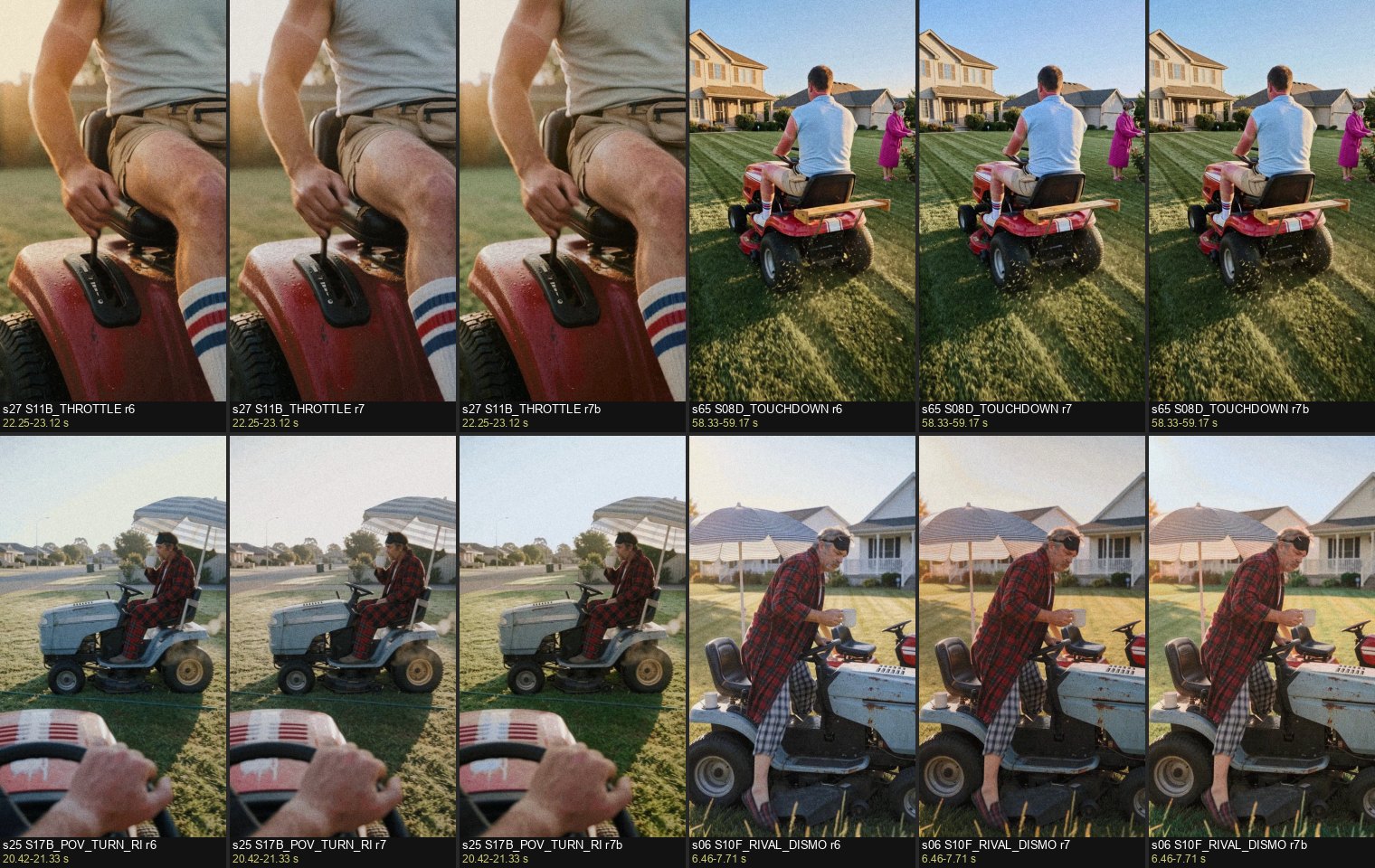
The r7 and r7b attempts to unify the grade were rejected. The final r6b kept the r6 colour and replaced one short motion window. Open the sheet to compare the frames.
What the next film remembers.
- 01
Record
The rejected take, symptom and exact feedback.
- 02
Try
A proposed correction, with its outcome kept alongside it.
- 03
Promote
Proven fixes become shared rules with a recorded reason.
- 04
Retrieve
Relevant fixes and accepted examples inform the next job.
Accepted shots form regression references; recorded A/B preferences help calibrate reviewers. This loop updates instructions and review material, not the weights of the generation models.
Inspect the finishing choices.
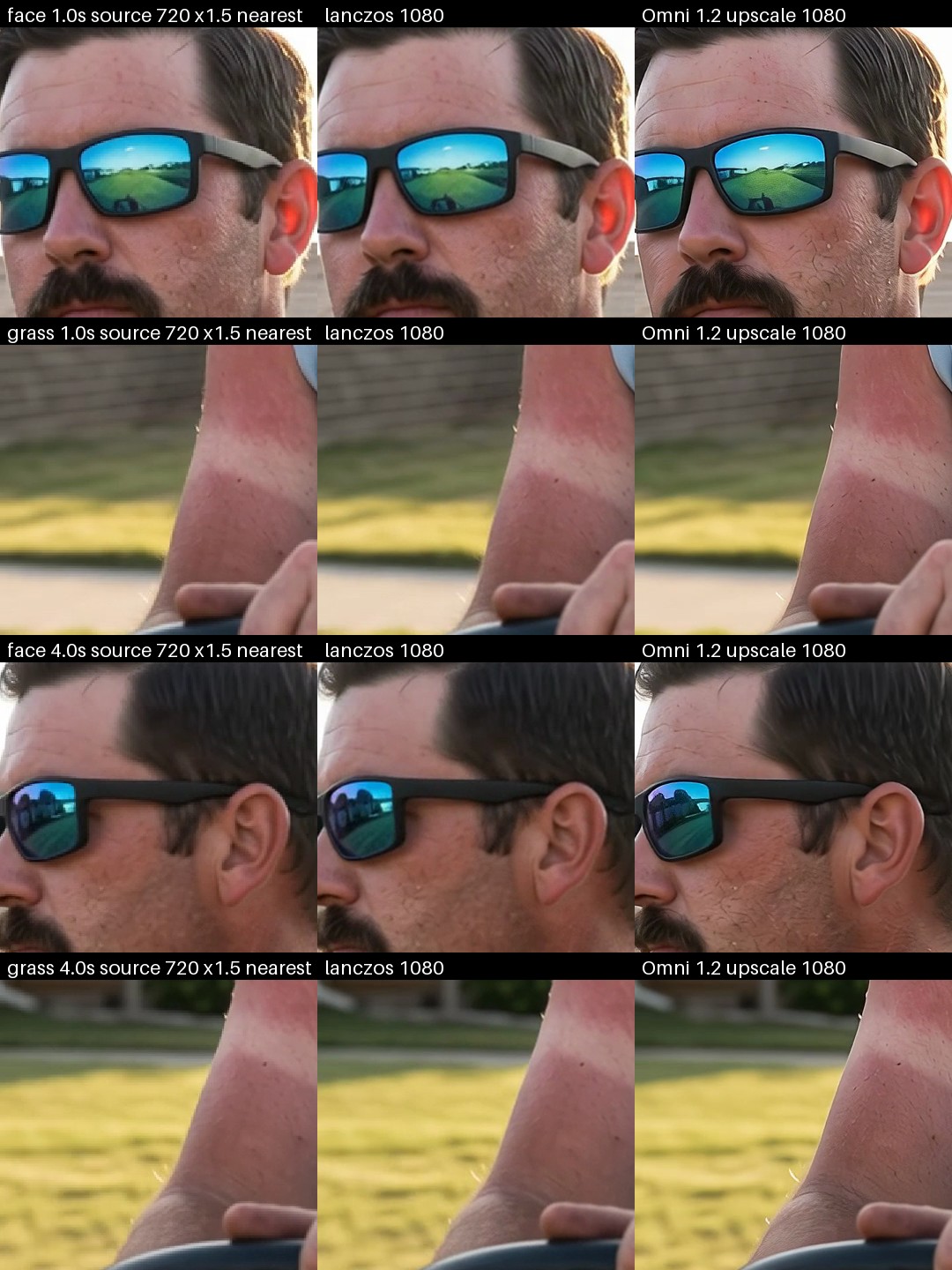
A six-second comparison from Lawn Wars: Lanczos on the left, Omni on the right. This is an A/B study; the final upscale method has not been chosen.
Keep the production inspectable.
A film is a set of decisions and source files that should survive the session that made it.
Before a job runs
Declare the model, inputs, estimated cost and remaining budget. The runner checks spending caps and request fingerprints before submission.
Vendor safety refusals are recorded as terminal outcomes, separately from quota errors, invalid requests and other API failures.
After a take is accepted
- Source take and checksum
- Job specification and generation record
- Versioned edit and grade scripts
- Review findings and export metadata
Rebuild the final from the accepted files.
Numbers
A snapshot from the project’s production registry and review files.
- Recorded failures
- 67Across 6 projects and 28 symptom types.
- Numbered review checks
- 44Plus a separate axis check.
- A/B taste pairs
- 23Side-by-side examples used to calibrate reviews.
- Verified generations
- 1,4511,005 images, 295 Omni videos and 151 Veo videos.
More from the registry
- Planned jobs
- 2,064
- Shot IDs
- 341
- Safety blocks
- 52 recorded, with none resubmitted
- Failures found
- 41 by the author and 26 by agents
- Fix outcomes
- 46 worked, 13 partly worked, 5 failed, 3 untested
- Golden references
- 20 shots plus one meme remake
- Reference library for analysis
- 218 film frames, 86 AI-creator works and 13 reels
- Automated tests
- 556
- Lawn Wars cost per finished second
- About $1.90, registry estimate
Current engines.
Next: FLUX.
The generation layer uses model adapters. Planning, review and post-production sit around it.
- Image generation
- Gemini image models In use
- Motion generation
- Omni / Veo In use
- Masters & keyframes
- FLUX adapter Planned
The planned first step is a FLUX adapter for character masters and keyframes, followed by a comparison on the same approved references with the same reviewers and budget limits. A competition entry would need to use FLUX for all image and video generation, following the programme rules.
FLUX: In Production programme